

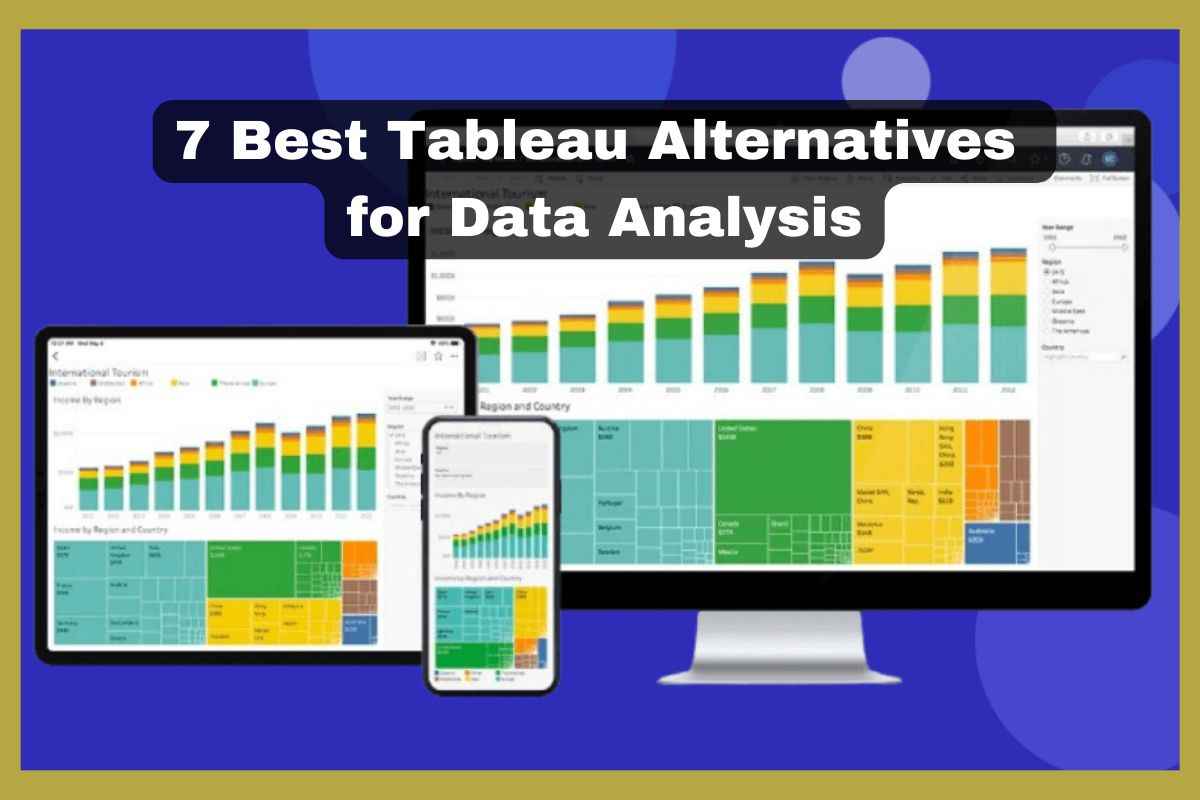
Tableau is the most popular business intelligence tool on the market. It offers an intuitive interface and robust visualisation capabilities.
However, because of its pricing, specific features for specific needs, and some integration issues, Tableau is not suited to everyone.
Tableau has been a leader in data visualisation and business intelligence for years.
Many businesses are looking for alternatives to Tableau software, which helps them analyze their data in the best possible way.
In 2026 the businesses can have a wide variety of powerful Tableau tool alternatives that can serve the competitive features at various pricing points.
Whether you are a small business, or enterprise, or a data analyst, there are business intelligence tools which can suits better to your requirements.
This guide explores the 7 best Tableau alternatives for data analyst in 2026 by comparing their key features, price, and advantages to help you make a perfect choice according to your business.
Let’s explore.
What is Tableau?
Tableau is an intelligent data visualisation tool that doesn’t need coding. It is interactive, and users can share data across mobile and desktop platforms.
Tableau has various features, like varied data visualization options, and it supports databases of all sizes. Depending on the user’s requirements, it allows users to run the programme in the cloud or on-premises.
Why consider the Tableau alternatives?
- High pricing: Tableau is at a very high cost, so small businesses and startups look for cheaper or even free alternatives with comparable features.
- Limited free version: The free version of Tableau is with lacks security and doesn’t have private data storage, while other alternatives provide a free version with security and essential BI capabilities.
- Better integration requirement: If your business or company depends on the Google Cloud, Microsoft, or AWS, the alternative to Tableau offers a better integration solution.
- Embedded customisation and analytics: The small business that needs the embedded analytics for their application, the mentioned below, offers more flexible analytics and customisation with a more flexible API option than Tableau.
7 Best Tableau alternatives for data analysis in 2026:
Tableau is the most popular data visualisation tool as well as a business intelligence tool. However it some feature limitations led businesses to explore alternatives.
Whether you are looking for a cheaper, user-friendly, and specialised solution, then explore the list below:
1. Google Looker:

Overview: Google Looker is a part of Google Cloud. Looker is a modern Business intelligence tool that enables organizations or small businesses to create data-driven workflows and decisions through SQL-based modeling.
This tool provides a flexible and developer-friendly approach to building data models and data visualizations. Looker runs entirely on the cloud and smoothly integrates with Google Analytics, Google Cloud, BigQuery, and many more services.
Best suited for: Best for organizations or small businesses using Google Cloud and need customization, which offers real-time analytics with strong Google ecosystem integrations.
Key features:
- Seamlessly integrated with the Google Cloud Platform.
- User-friendly modeling layer, LookML.
- Offers real-time data exploration.
- Customisable workflow and dashboard.
- Prebuilt connectors to handle major databases.
Pricing: Starts with $30K/year, and the cost varies based on the type of user and their permission.
2. Microsoft Power BI:

Overview: Microsoft Power BI is the strongest competitor to Tableau. Which offers a business intelligence solution that allows an organisation to visualise data as well as share insights across the enterprise.
The Microsoft Power BI tool integrates with Microsoft tools like Excel, Azure, and SQL server, so small businesses or companies often choose this tool, which are already utilising the Microsoft environment.
Power BI is best for building interactive dashboards and real-time analytics to track business performance, which makes it a great Tableau alternative. The tool also offers data modeling abilities to transform the complex data system into actionable insights.
Best suited for: Best suited for businesses looking for an affordable, enterprise-level business intelligence tool with deep Microsoft integration.
If any business is already using a Microsoft product, this tool is an affordable business intelligence solution packed with powerful features.
Key features:
- Deep integration with Microsoft’s other suites.
- Provides real-time insights.
- Interactive dashboard reports.
- Provide advanced analytics with data-led insights.
- Advanced data transformation.
- Mobile accessibility.
Pricing:
Microsoft Power BI Desktop: Free
Power BI Pro: $10/ user/ month
Power BI Premium: $20/user/month
3. Sisense:

Overview: Sisense is a powerful business intelligence tool designed to handle large datasets and embed analytics, dashboards, and reports into applications or workflows. The mobile app of Sisense offers on-the-go access to insight, allowing businesses to make firm decisions more effectively.
Sisense’s Elastic Data Engine enables fast query performance and real-time analytics. This tool offers a simple interface for data processing, viewing, and sharing the data. The tool is perfect for small businesses that need customisable analytics without complex data modeling.
Best suited for: Best suited for businesses that require embedded analytics as well as powerful insight.
Key features:
- Offers embedded analytics with API support.
- Provides the In chip processing for faster query performance.
- Flexible deployment on premises, hybrid, or cloud.
- Easy drag and drop dashboard building.
- AI-powered analytics with natural language processing.
Pricing: Start at $35k /year, pricing varies based on usage and features.
4. Qlik Sense:

Overview: Quilk Sense is an extensive data analytics platform that uses an associative data model to uncover hidden relationships in data that a traditional SQL-based tool might miss. Its AI and machine learning capabilities make it an ultimate alternative for Tableau.
Provide comprehensive options for businesses that require collaborative and scalable analytics tools.
Best suited for:
Qlik Sense is perfect for you if you want to dive deep into data or data-driven companies that collaborate seamlessly.
Key features:
- AI and machine learning tools.
- Associative data model for uncovering insights.
- Offers flexible deployment options.
- Advanced visualisations.
Pricing: Qlik Sense business– $30/user/month, enterprise Pricing– Custom.
5. Domo:

Overview: Domo is a cloud-based business intelligence platform that combines data integrations, analytics as well and automation, which transform raw data into actionable insights.
The tool offers a flexible data experience, diverse visualisations, and automated user management. User-friendly and browser-based tool connects to thousands of data sources with over 1000 connectors.
Integration with Magic ETL, Jupyter, and data lineage tools to simplify complex dataflow. The platform offers customer support and robust governance. Domo BI is important for firm decision-making and operational efficiency.
Best suited for: Well-suited for the large businesses that require an all-in-one BI platform with real-time insight.
Key features:
- Offers data connectors for 1000+ applications.
- AI-driven insight and alerts.
- Cloud-based BI with real-time insight.
- Mobile-friendly accessibility.
- Offers collaboration and sharing tools.
Pricing: Custom pricing based on usage and company size.
6. Metabase:

Overview: Metabase is open open-source business intelligence tool that makes data analytics accessible to everyone without knowledge of SQL.
This tool is a great alternative to Tableau for small businesses and startup companies that need basic analytics without high cost. Metabase lets you ask questions about your data and displays answers in formats that make sense, whether that’s a bar graph or a detailed table.
Best suited for: This alternative well well-suited for startups and small businesses looking for open source BI tools.
Key features:
- Offers an open-source and free version.
- Easy to use for non-technical users as it offers a no-code query builder.
- Provides SQL mode for advanced users.
- Embedded analytics and API support.
- Lightweight and easy to set up.
Pricing: Free for the open-source version, Paid version starts at $85/month.
7. MicroStrategy:

MicroStrategy is an enterprise-grade analytics tool with advanced tools for data discovery and predictive analytics. Scalable enough to handle big data, this tool is the best fit for organisations requiring robust data governance and mobile analytics capabilities.
Best suited for: Best suited for enterprises that require advanced analytics, mobile intelligence, and data security.
Key features:
- Strong tool for data governance.
- Offers enterprise-grade scalability.
- Serves advanced analytics and predictive modeling.
- Customisable dashboards.
- Offers mobile intelligence with offline access.
Pricing: Starting from $2000, it varies based on user and usage.
Conclusion:
In conclusion, choosing a right business intelligence tool varies on your business size, specific requirement and budget.
The above mention all Tableaju alternatives are best right from PowerBI which is great affordable alternative with deep Microsoft integrations to Metabase which is cost effective and open source option for startup business.
No matter what your business needs, these above mention Tableau alternatives offers powerful business intelligence solution to help you make firm decision in 2026.





