

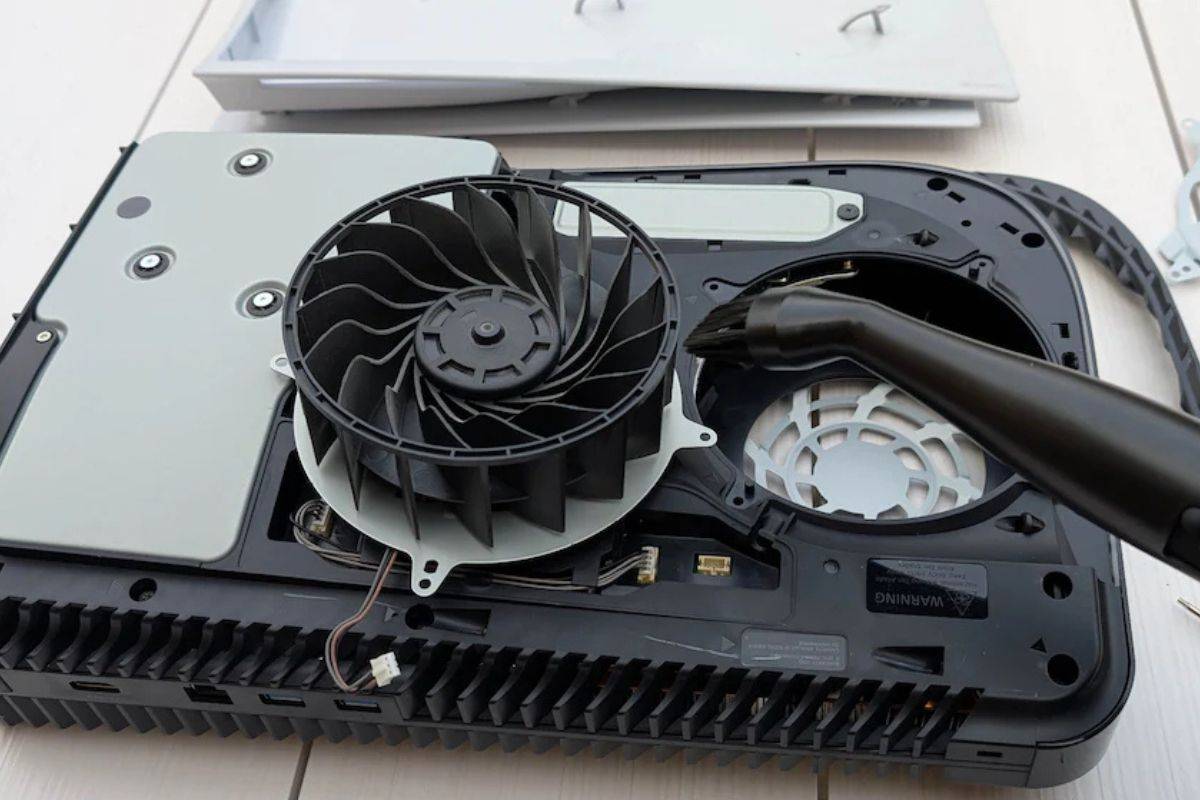
Cleaning your PS5 is essential for the best performance and durability. With time, the dust and dirt can cause overheating issues and affect the console’s efficiency. Regularly cleaning the dust from the PS5 can help to maintain the functionality of your device and prevent hardware problems.
Cleaning your PS5 involves some steps that can be safely done at home. The process typically includes removing dust from the vents, fan, and any visible dirt on the surface.
Some parts can get cleaned easily, but others may require deep cleaning with attention. So you will require soft cloths, compressed air, and a vacuum cleaner with a brush attachment.
Then use compressed air to blow away any remaining dust. Beyond that, you are looking at opening up the console, so if you are comfortable with that, then keep going.
Let’s explore.
What will you need to clean the dust from ps5?
- Before starting the cleaning, you need to collect the items that you need to clean. Including:
- To blow out dust gently, you will need a compressed air can.
- Soft microfiber cloth.
- Cotton swabs for delicate cleaning.
- Soft brush or small vacuum with low suction.
- Isopropyl alcohol.
- A power strip with an on and off switch.
How to clean dust from PS5 without opening it?
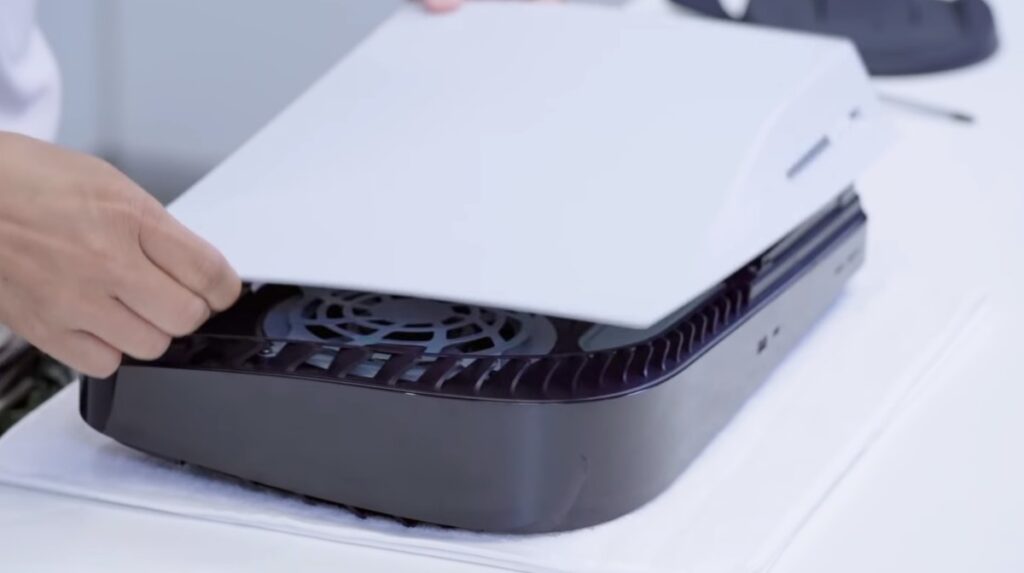
Step 1: Shut down and unplug the console
- First thing is to power down your PS5.
- Hold the power button on the console until you hear two beeps to shut down.
- Wait for the device to turn off and unplug the power cable, HDMI cable, or other accessories.
- Let the console cool down for 10 to 15 minutes.
Step 2: Use compressed air to remove loose dust
Compressed air is the most essential when it comes to cleaning dust safely without opening your PS5.
- Hold the compressed air upright and spray in short bursts.
- Aim at the side vent, rear exhaust, and USB/ HDMI ports.
- Keep nozzle 2 to 3 inches away from the device to avoid damaging internal fans.
- Keep your focus on side intake vents, back vents, and around ports on the front and back.
Step 3: Gently wipe down the console exterior
- Now, loose dust is blown out, and it is time to clean the body of the PS5.
- Take a dry microfiber cloth and gently wipe down all surfaces.
- Clean on the top, bottom, and near vents.
- If some fingertips and smudges are available on the console, slightly dampen the corner of the cloth with water or isopropyl alcohol and wipe the area.
- Immediately dry with another part of the cloth to avoid moisture settling.
- Avoid paper towels and regular cloths that leave lint behind.
Step 4: Use a low-suction vacuum cleaner
- Use a soft brush attachment if available
- Float near the vent but don’t press against it.
- Avoid vacuuming USB/HDMI ports directly; you can use a cotton swab instead.
Step 5: Clean the area around your PS5
Dust does not just build up on your console; it also settles around it. Cleaning the area where your PS5 lives helps reduce how fast it gets dusty again.
- Vacuum and dust your shelf or TV stand.
- Avoid placing your PS5 on the carpet, which is full of fibers and static.
- Leave 4 to 6 inches of space on all sides of the console for proper airflow.
- Don’t enclose the PS5 in a cabinet with poor ventilation.
How often should you clean your PS5?
In every typical American household, you should clean the PS5 every 4-6 weeks. But your cleaning frequency depends on:
- Pet hair and dander clog vents fast, so clean them monthly.
- Smoking indoors attracts dust, so clean it monthly.
- If you are living in a dusty, dry climate like Texas, Arizona, then clean after every 3 months.
- Urban pollution cities like Chicago and NYC should be cleaned frequently.
Avoid common mistakes while cleaning PS5
Avoid some common mistakes that could damage your console:
- Don’t use a hairdryer as it blows hot air that may damage internal parts.
- Don’t stick a cotton swab inside the vents, as they can push dust deeper or break off.
- Don’t spray cleaners directly on the PS5
- Don’t open the PS5 unless necessary.
FAQ
Q.1. Can you clean your PS5 without opening it?
Ans: Yes, you can give the vents and shells of your PS5 a quick clean without opening it, but if you want to thoroughly clean the console and get all of the dust out of its fan.
Q.2. How do I clean my PS5 without scratching it?
Ans: The Best way to avoid scratching while cleaning your PS5 you can use a microfiber cloth to remove any dirt, dust, smudges, and marks. If you don’t have one or you do not prefer to use a cloth, then you can use a compressed air can. Use it with care to remove most of the dust from your PS5.
Q.3. Is it safe to clean my PS5 with a vacuum cleaner?
Ans: You can use a low-power vacuum cleaner to clean up your PS5. Determining what qualifies as low power is very much up to the user, and it is far safer to just stick to cleaning it by hand.
Conclusion
Your PS5 is more than just a gaming console, it is high performance machine that needs a clean environment to function at its best. You don’t need it to open your can and clean dust from the PS5 without opening it safely.
With a can of compressed air, a soft cloth, and 10 minutes of your time once a month, you will keep your console running quietly, coolly, and smoothly.





