

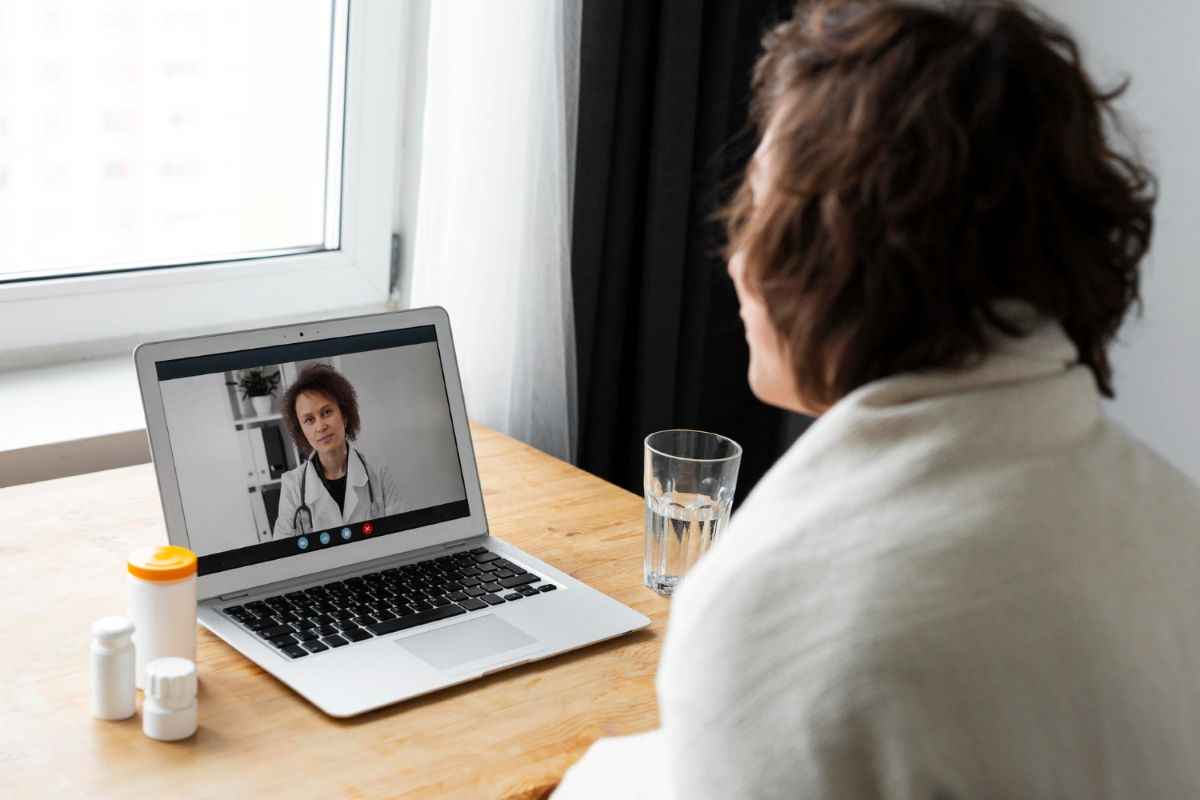
Seeing your doctor online has gone from novelty to normal. Online doctors’ visits let you talk to your provider from the couch, the kitchen, or wherever. And for a lot of folks, that convenience is a game-changer; especially for quick follow-ups or routine care.
But just like any online experience, there are things to watch for. When personal health info is involved, privacy matters more than ever. Most platforms are designed with security in mind, but patients still play a role in keeping things safe when attending a virtual doctors visit.
Know the Tools Being Used
Not every video call is created equal. Your provider should be using a platform that’s built for medical use — not just a free version of a basic app. Dedicated platforms or a system tied into the provider’s medical portal are the best ways to go.
If they’re using something you don’t recognize, it’s okay to ask questions. “Is this platform HIPAA-compliant?” isn’t overstepping. It’s your data on the line.
A good provider will walk you through how it works and why it’s secure (and they’ll also appreciate that you’re paying attention). Also, take a moment to see if there’s a patient guide or FAQ for the platform. Many systems offer quick tutorials or tips that make the process smoother and less stressful.
Spotting the Red Flags Early
You don’t need to be an IT expert to know when something’s off. If you get a link that feels sketchy, or if someone asks for details like your Social Security number through chat; that’s a no-go. Legit platforms won’t need that during your appointment. Always double-check the link before clicking.
Look for the padlock symbol in your browser. If it’s not there, that site probably isn’t encrypted. Encryption helps keep your info locked down during the visit. It’s a simple thing, but it matters tremendously.
Do Your Part from Home
Even if your doctor’s setup is airtight, your end matters too. Avoid public Wi-Fi if you can. A personal, password-protected connection is best. If you’re taking the call in a shared space, try to find a quiet corner or private room.
Close out apps you’re not using. Shut down tabs. Less activity in the background lowers the chance of something unexpected causing trouble. These small habits go a long way in keeping your virtual doctors visit clean and secure, and they take almost no effort at all.
Shared Devices? Be Smart About It
Using a borrowed laptop or family tablet? Make sure to log out when you’re done. Delete the browser history and close everything before handing it back. It doesn’t take much for someone to stumble onto your records if you leave them open.
You might also think about using a separate email address for health appointments. Keeping those communications in their own lane helps keep things tidy and private.
Final Tips for a Safe Virtual Doctors Visit
More people are leaning on remote care more than ever before, and the online doctors’ visit is here to stay. It’s fast, flexible, and when done right, it’s just as secure as the old-school waiting room. All it takes is paying attention and staying aware to keep your info safe and you virtual medical experience stress-free.





